
Sora 2 Pro Unleashed: The AI Video Model That Finally Feels “Next-Gen”
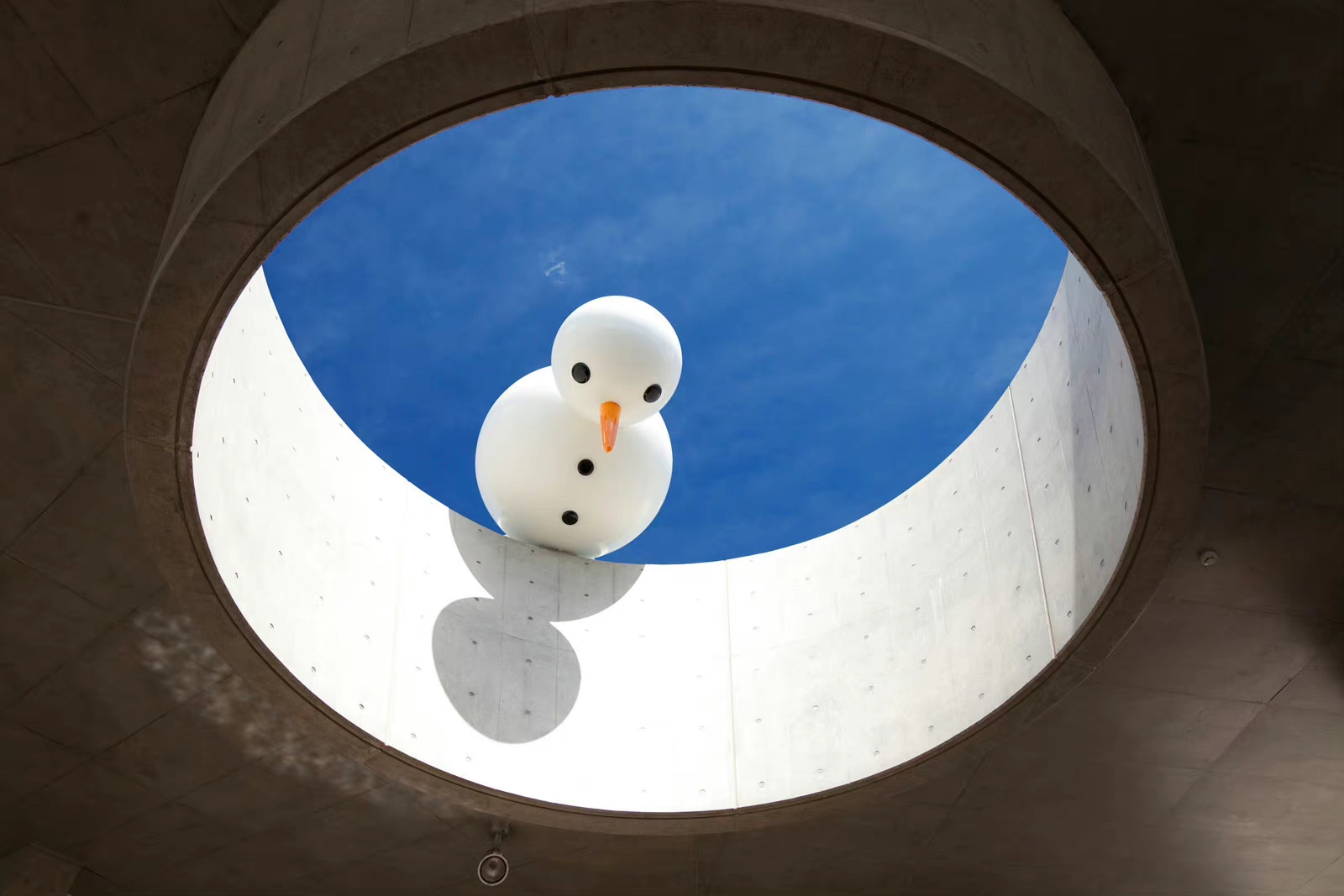
AI video has been leveling up so fast that keeping track feels like monitoring crypto charts in 2021 — but OpenAI’s Sora 2 Pro is one of those rare drops that actually moves the whole ecosystem forward.
It’s not just “yet another text-to-video model.” It’s a full visual–audio engine built to create expressive, cinematic clips with surprisingly coherent movement, realistic physics, and synced sound. And now, it’s available not only inside Freepik but also directly in XXAI, so creators can immediately try it without jumping between platforms.
If you’re looking for a model that handles storytelling, motion control, atmosphere, and audio in a single workflow… yeah, Sora 2 Pro kind of eats.
This guide walks you through what’s new, how it works, where it shines, and how to get the best generations out of it.
What Exactly Is Sora 2 Pro?
Sora 2 Pro is OpenAI’s most advanced short-form video generator to date, blending text-to-video, image-to-video, and native audio into one unified model. Think of it as a director, camera operator, lighting engineer, Foley artist, and editor — all crammed into one supercharged AI brain.
Compared to the original Sora 2, this upgraded version locks in:
- Sharper visuals
- More stable motion
- Better scene continuity
- Faster, more reliable rendering
- Way stronger understanding of specific instructions
Basically, it’s built for creators who want narratives rather than random clips — and need visuals and audio that actually match.
Breaking Down the Core Features
1. Unified Audio + Video Generation
No more exporting silent footage and searching for royalty-free ocean waves that don’t sound like white noise. Sora 2 Pro creates audio at the same time as visuals — dialogue, footsteps, ambient sound, even small motion-synced effects.
Everything feels stitched together as a single moment instead of a collage.
2. Physics That Don’t Feel Like a Glitchy Video Game
The model understands weight, distance, and collisions far better than earlier versions. Objects stabilize instead of wobbling, characters move more naturally, and fast-action scenes no longer melt into chaos.
Water ripples? Dust particles? A glass tipping over realistically?
Yes. Finally.
3. Multimodal Input Options
You can:
- Start with a text prompt
- Upload an image
- Or combine both for tighter visual control
This is especially handy if you’re creating a series and want consistent characters, products, or environments.
4. Precision Prompt Control
Sora 2 Pro responds more accurately to details like:
- Camera direction (zoom, pan, track)
- Emotional tone
- Lighting style
- Scene pacing
- Atmospheric elements
The model actually listens now — no more “I said soft lighting, not nightclub lasers.”
5. Faster, More Efficient Rendering
Even though it delivers higher-quality outputs, Sora 2 Pro uses resources more efficiently than the standard Sora 2 model. Translation: shorter wait times, fewer retries, more reliable results.
Where It Still Falls Short
Even supermodels have bad angles — Sora 2 Pro is powerful, but not perfect.
Strengths
- Integrated audio + visuals
- Stronger physics and motion stability
- High prompt fidelity
- Multimodal inputs
- Efficient performance
Limitations
- Extremely long/complex scenes may still drift
- Some accents or languages may sound off
- Higher resolution costs more credits
- Confusing or conflicting prompts can cause chaotic outputs
Fair trade-offs for an early-era next-gen model.
What’s New Compared to Sora 2?
Sora 2 Pro introduces upgrades in:
- Fine detail quality
- Naturalistic motion
- Audio clarity
- Scene stability
- Resolution options
- More reliable interpretation of nuanced instructions
You’re basically leveling up from “AI video experiment” to “actually usable content.”
Sora 2 Pro Is Now Live on XXAI
Here’s the part creators will vibe with the most:
XXAI has fully integrated Sora 2 Pro, so you can generate audio-synced videos straight from both the desktop app and web version — no setup, no extra tools, no juggling between platforms.
Drop in a prompt, upload a reference image, choose your settings, and boom: Cinematic clips with stable motion and rich sound.
For brand content, product demos, short scenes, storytelling, or just creative chaos — XXAI now gives you instant access to the newest Sora 2 Pro capabilities.

Best Use Cases for Sora 2 Pro
Sora 2 Pro thrives in:
- Character-driven scenes with speech or expressive motion
- Product visuals that need audio branding
- Short animations or micro-stories
- Dynamic remixes and scene extensions
- Atmospheric or mood-driven clips
- Audio-reactive creative concepts
If your idea needs vibes, motion, and sound working together, this model is built for it.
Prompting Tips for Better Results
- Combine action + audio cues “The old wooden gate creaks open as the wind rushes through the tall grass.”
- Include camera language “Slow tracking shot,” “cut to close-up,” “wide drone reveal.”
- Add lighting + mood “Soft blue rim light,” “golden sunlight through haze.”
- Break complex scenes into sequential actions The simpler the structure, the more accurate the output.
- Match image inputs to your desired style Consistency starts at the reference frame.
Prompt Examples
Example 1
Wide establishing shot of a mist-covered canyon at sunrise. The camera slowly glides forward, revealing waterfalls cascading into a glowing river below. Gentle wind and distant water sounds accompany the scene, creating a serene, awe-filled atmosphere.

Example 2
Close-up of a steaming cup of matcha on a wooden table beside a sunlit window. The camera pans right to reveal a quiet coastal town outside, with soft morning waves and light chatter drifting through the air.

Example 3
First-person view of a cyclist racing through a narrow forest trail during a light drizzle. The camera shakes subtly with each movement, and you hear rain flicking off the helmet and tires splashing over wet ground.

How Sora 2 Pro Compares to Other Video Models
Here’s a quick snapshot of where it stands against popular models like PixVerse 5, Google Veo 3, Runway Gen-4, Seedance 1.0, MiniMax Hailuo 02, Kling 2.5, and Wan 2.5:
| Feature | Sora 2 Pro | Wan 2.5 | PixVerse 5 | Google Veo 3 | Runway Gen-4 | Seedance 1.0 | MiniMax Hailuo 02 | Kling 2.5 |
|---|---|---|---|---|---|---|---|---|
| Resolution | 720p / 1024p | 480p–1080p | 360p–1080p | 720p–1080p | 720p | 480p–1080p | 512p–1080p | 1080p |
| Video Length | 4–12s | 5–10s | 5–8s | 4–8s | 5–10s | 5–10s | 6s | 5–10s |
| Audio | Yes | Yes | No | Yes | No | No | No | No |
| Lip-sync | No | Yes | No | Yes | No | No | No | No |
| Input | Text + Image | Text + Image | Text + Image | Text + Image | Text + Image | Text + Image | Text + Image | Text + Image |
| Multi-shot Consistency | Limited | Limited | Improved | Limited | Limited | Strong | Basic | Limited |
| Camera Control | Prompt-based | Prompt-based | Pans/zooms | Prompt-based | Stylized | Cinematic | Cinematic | Prompt-based |
TL;DR: Sora 2 Pro stands out most for audio + video integration, stronger motion physics, and high creative control.
Final Thoughts: Should You Use Sora 2 Pro?
If you need:
- polished visuals
- realistic motion
- scenes with emotional weight
- audio that actually matches the visuals
- a model that listens instead of improvising its own plot twists
Then yes — Sora 2 Pro is absolutely worth your time.
It’s one of the most balanced “all-in-one” AI video models available right now, especially for storytelling and creative production.
And with XXAI and Freepik both supporting Sora 2 Pro, you can jump in wherever fits your workflow.
Ready to try the new generation of AI video? Sora 2 Pro is waiting.