
The Ultimate Evolution in Video Generation? Kling 2.5 Massive Update: Finally, True "What You See Is What You Get"

Introduction: When AI Learns "The Laws of Physics"
In the realm of generative video, we have endured awkward phases of outputs being "too shaky" or "too distorted." The release of Kling 2.5 marks a pivotal shift in AI video generation, moving from simply "resembling an image" to "understanding logic." It is no longer just a stacking of pixels; it feels as though the model has a built-in micro-physics engine.
1. Underlying Principles and Technical Architecture
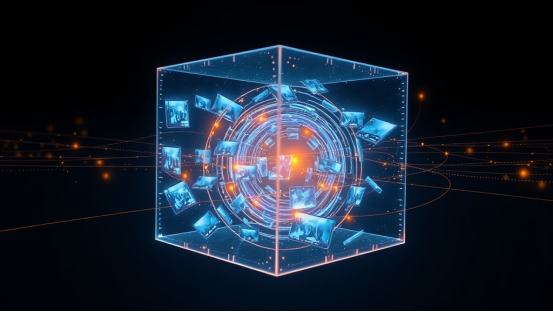
Kling 2.5 adopts the advanced Diffusion Transformer (DiT) architecture combined with 3D Spatiotemporal Attention.
- What does this mean? Simply put, traditional models "draw" images frame by frame, often leading to inconsistency. Kling 2.5, however, "sculpts" video in a three-dimensional stereoscopic space. It simultaneously understands time (the sequence of actions) and space (volume and position), thereby ensuring consistency over longer generation durations.
2. Core Breakthroughs
Compared to its predecessors and current competitors, Kling 2.5 brings three substantial evolutions:
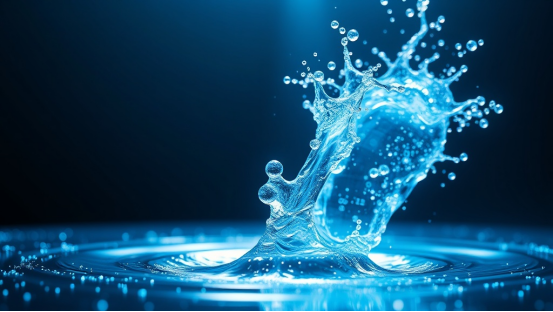
- The Awakening of Physical Common Sense: The model can now handle fluid dynamics (water flow, latte art, rain splashes) and rigid body collisions with extreme precision. Thanks to deeper physical priors, objects no longer inexplicably clip through one another or vanish.
- Native 1080P+ High Frame Rate: No more need for post-production AI upscaling. It directly generates cinema-grade high-definition quality with stable frame rates, eliminating the "jello effect" at the source.
- Ultra-Long Semantic Understanding Window: It comprehends extremely complex descriptions beyond just the subject. It executes commands regarding light changes (Volumetric Lighting) and complex camera maneuvers with near-director-level precision.
Seller vs. Buyer Show: Real-World Aesthetic Tests
To verify if Kling 2.5 can meet global aesthetic standards and high-end commercial demands, we moved beyond simple portraits and chose challenging lifestyle scenarios for a "Hell-level test."
Scenario 1: Commercial Advertising — Coffee Macro Photography (Fluids & Texture)
Objective: Test the realism of fluid flow and reflections on metal surfaces.
Prompt: Extreme close-up, slow motion. A stream of rich, golden espresso pouring from a professional machine into a clear glass cup. The crema is thick and textured. Ambient cinematic lighting, dark background, 8k resolution, razor-sharp focus on the liquid stream.
- Test Result: Breathtaking. Unlike many models that generate "paint-like coffee," Kling 2.5 recreates the emulsified texture of espresso extraction. The bursting of bubbles is clearly visible, and the splash as liquid hits the glass follows gravitational acceleration perfectly. This is ready-to-use material for Instagram coffee shop ads.

Scenario 2: Lifestyle — California Highway 1 Road Trip (Motion Blur & Environmental Consistency)
Objective: Check background continuity and light interaction during high-speed motion.
Prompt: A vintage red convertible driving along the Pacific Coast Highway at golden hour. Ocean waves crashing on the cliffs on the left. Lens flare from the setting sun. Wind blowing through the driver's hair. Realistic motion blur, expansive view, travel vlog style.
- Test Result: Not only did the vehicle avoid deformation (where wheels often collapse in other models), but the consistency of light and shadow was key. As the car passed through tree shadows, reflections on the body changed accordingly, and the distant coastline didn't flicker despite rapid camera movement. This stability is invaluable for travel vloggers or MV production.

Scenario 3: Sci-Fi Concept — Cyberpunk Rain (Ray Tracing Simulation)
Objective: Test complex light sources (neon) reflecting on wet ground—a notorious rendering difficulty.
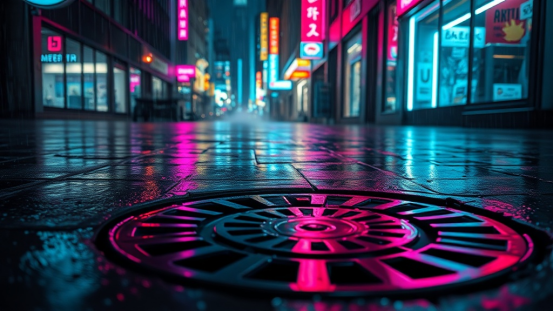
Prompt: Cyberpunk street at night, heavy rain. A cyborg walking away from the camera. Neon signs (blue and pink) reflecting realistically on the wet black asphalt puddles. Steam rising from manholes. Blade Runner atmosphere.
- Test Result: The puddles reflected the neon signs, and as raindrops fell, the reflections were scattered by ripples. This is the power of 3D Spatiotemporal Attention: it understands the puddle is planar while the light source is spatial. Although rain density distribution occasionally varies, the overall atmosphere reaches the level of movie concept art.
Kling 2.5 Advanced Prompting Guide
To master Kling 2.5, you can't just rely on guesswork. To stop you from wasting credits, we have summarized a universal structural formula and advanced techniques.
The Universal Prompt Structure
[Subject] + [Action] + [Environment] + [Camera] + [Lighting] + [Style] + --negative [Negative Description]
Advanced Techniques & Parameters
1. Control the Camera Like a Director
Kling 2.5 is highly sensitive to professional film terminology. Try adding these to your prompts:
- Static Shot: Emphasizes subtle movement within the frame (like wind blowing grass), great for landscapes.
- Dolly Zoom: The subject size stays the same while the background stretches rapidly, creating a sense of vertigo/tension.
- Pan Left/Right: Simulates visual scanning, suitable for showcasing wide scenes or interiors.
- FPV Drone Shot: High-speed maneuvering, perfect for sports, racing, or extreme challenges.
- Example: "FPV drone shot flying through a narrow canyon…"
2. Lighting is the Soul of Texture
Don't just write "Good lighting." Try these:
- Volumetric Lighting: Adds airiness and a divine feel (Tyndall effect).
- Rembrandt Lighting: Ideal for portraits, adding depth and drama.
- Bioluminescent: Perfect for fantasy scenes, like glowing forests or deep-sea creatures.
3. Motion Control & Negative Prompts
To prevent static images or the "Uncanny Valley" effect, you must learn to control magnitude:
- High Motion: Forces significant movement in the scene.
- --negative: static, morphing, watermarked, blurry, bad anatomy, shaky camera.
4. Creative Application: Image-to-Video
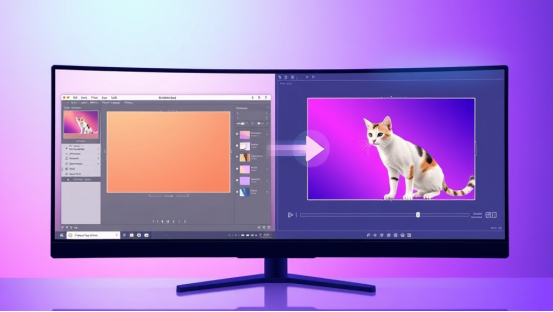
For product showcases, the Image-to-Video mode is recommended.
- Tip: Upload a high-precision product poster (e.g., a sneaker). The prompt only needs to describe environmental changes: "Water splashing around the shoe, impact interaction, slow motion." This preserves the product's real details while adding cool dynamic effects.
Usage Recommendations
Currently, Kling 2.5 has massive computing demands; even a local RTX 4090 struggles with speed.
Mainstream Usage Methods:
- Web-based Testing: Official website, suitable for light users, but queue times are long during peak hours.
- API Integration: Enterprise-level applications, billed by time, requiring development integration.
Pro-Tips to Avoid Pitfalls:
- Don't generate long videos at once: It is recommended to generate 5 seconds as a base. Once confirmed as a "masterpiece," use Kling 2.5's "Extension" feature to continue the video. This saves costs and ensures continuity.
- Be specific: Vague descriptions lead to model "hallucinations," generating strange objects out of nowhere.
Unlock the Full Potential of Kling 2.5 on XXAI
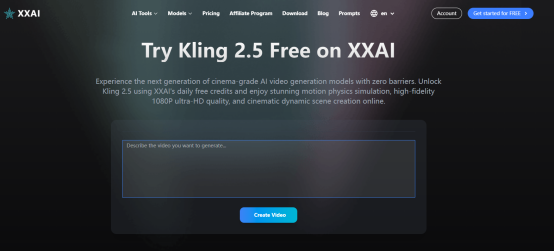
For most users who want to get started quickly without hassling with code or network environments, XXAI is currently the most elegant solution for experiencing Kling 2.5.
Why Choose the XXAI?
Aggregated Power, No Queues: XXAI has access to Kling 2.5's enterprise high-speed channels. Compared to the waiting times on the free official version, generation speeds here are "light speed," keeping your inspiration flowing.
Smart Prompt Optimizer: often, bad videos are due to bad prompts. XXAI features a built-in AI polishing tool optimized for the Kling model. You only need to input simple text like "A cat drinking coffee," and the system automatically expands it to: "Cinematic shot, a fluffy tabby cat sipping from a mug, steam rising, cozy morning sunlight…" significantly improving success rates.
Multi-Model Workflow: On XXAI, you can first generate a perfect storyboard image using FLUX, then send it to Kling 2.5 with one click to generate video. This "Image-to-Video" loop is currently the most efficient workflow favored by professional creators.
Creativity has no limits. Start your directing career now: Click here to experience the Kling 2.5l on XXAI immediately.