
Unlock the Power of DALL·E 3: Tips, Tricks, and Free Access via XXAI
DALL·E 3 Overview: Advanced AI Art Generation Made Easy
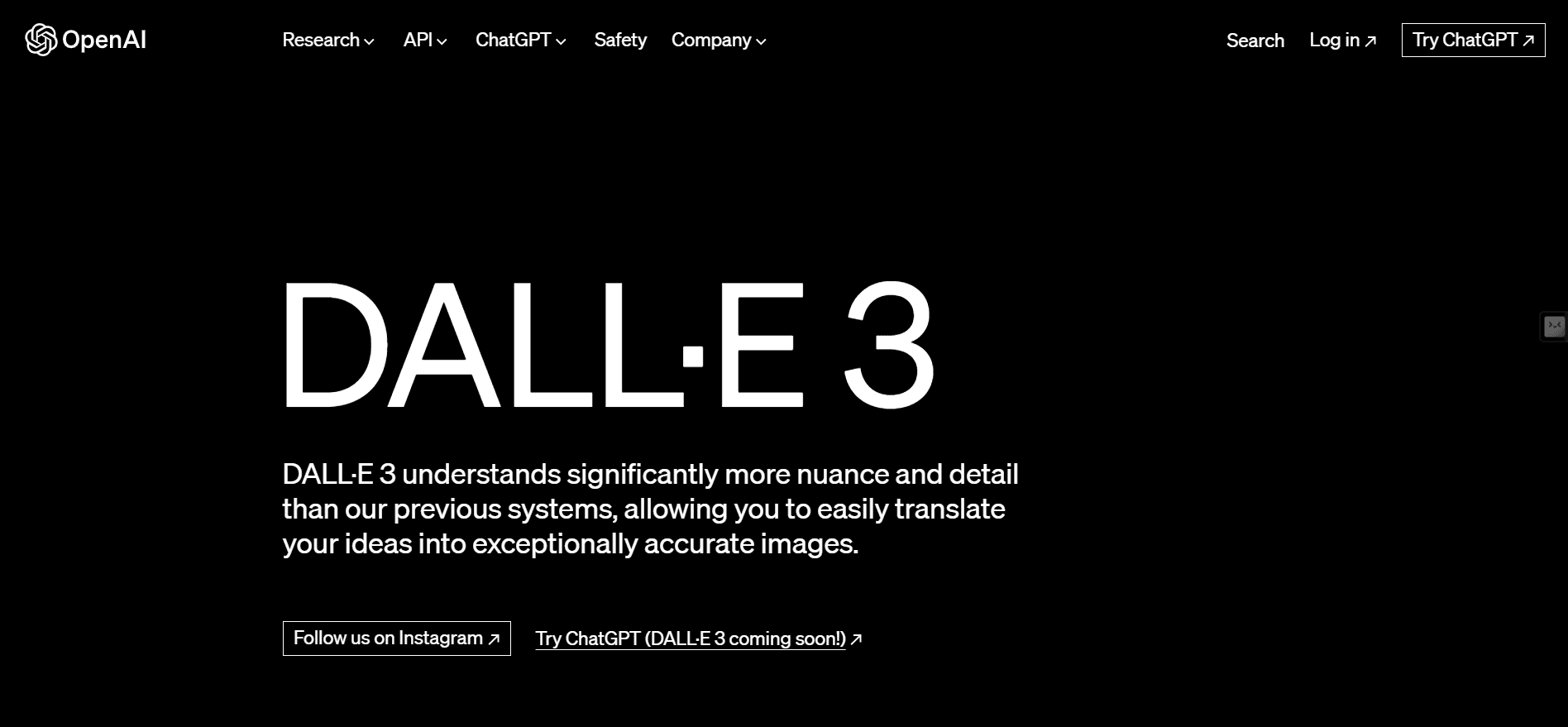
DALL·E 3 is one of the most advanced AI image generation models available today. Unlike its predecessors, it understands complex, structured prompts and can translate detailed textual descriptions into stunning visuals with high fidelity. Whether you want photorealistic scenes, creative illustrations, product designs, or fantastical landscapes, DALL·E 3 can bring your ideas to life.
Its advanced comprehension of context, composition, lighting, and style makes it perfect for creators who want precision and creativity in AI-generated images. By using well-crafted prompts, you can unlock the model’s full potential and generate images that look professional and share-worthy.
Structured Prompts vs Simple Prompts: Quality Comparison
The prompt you provide to an AI model is essentially its instructions. The more structured and detailed your prompt, the better DALL·E 3 can understand what you want.
- Simple prompts like “Draw a cat” often produce generic or inconsistent results.
- Structured prompts specifying lighting, composition, color palette, mood, and style result in images that are more accurate, visually appealing, and aligned with your vision.
For example, instead of saying:
“A dragon in a forest”
You could use:
“A majestic dragon perched on a mossy rock in a misty forest, soft golden sunlight filtering through tall trees, intricate scale textures, cinematic wide-angle perspective, fantasy illustration style, warm earthy color palette.”
This kind of prompt ensures DALL·E 3 understands every detail and produces high-quality, professional images.
5 Essential Tips to Customize DALL·E 3 Prompts for Better Results
Even the best prompt can be improved by tweaking certain elements. Here are some practical tips to help you customize any prompt for better results:
- Specify the Subject Clearly
- Include details like age, pose, clothing, or character type.
- Example: “A 20-year-old woman reading in a cozy library, wearing a knitted sweater.”
- Add Environment and Context
- Describe the background, time of day, weather, or setting.
- Example: “Sunset over a quiet lake with mist rising from the water, surrounded by autumn trees.”
- Include Lighting and Camera Details
- Mention the type of lighting, lens, angle, or depth of field.
- Example: “Golden-hour lighting, soft shadows, 85mm portrait lens, shallow depth of field.”
- Describe Style and Mood
- Specify artistic style, color palette, or emotional tone.
- Example: “Pastel watercolor illustration, dreamy and whimsical, soft diffuse lighting.”
- Iterate One Element at a Time
- When refining your prompt, change only one variable at a time (e.g., lighting or color).
- This makes it easier to observe how each adjustment affects the generated image.
Pro Tip: Use commas, semicolons, or line breaks to separate different descriptive elements. The clearer and more structured your prompt, the more accurately DALL·E 3 can translate it into an image.
Best DALL·E 3 Prompt Examples: Photorealistic, Fantasy & More
Here are several trend-ready DALL·E 3 prompts you can copy and paste directly into XXAI to start generating high-quality AI images. Each prompt includes details about subject, environment, lighting, style, and mood.
Photorealistic / Lifestyle
- “A cozy minimalist morning coffee scene in a sunlit apartment, warm natural light through sheer curtains, wooden table with ceramic cup, open notebook, soft linen textures, shallow depth of field, 50mm lens effect, muted pastel palette, serene lifestyle photography style.”
- “Golden-hour outdoor portrait of a young woman, soft sunlight illuminating face, gentle rim light on hair, ultra-detailed skin texture, shallow depth of field, soft bokeh background, cinematic Instagram editorial style.” ### Illustration / Digital Art
- “Cute pastel illustration of a cat barista in a tiny café, soft rounded shapes, kawaii mood, high-resolution vector style, warm ambient light, dreamy playful composition.”
- “Stylized webtoon character standing in neon-lit city street, glossy hair highlights, expressive eyes, dynamic pose, cinematic reflections, rainy night atmosphere, modern Korean comic style.” ### Fantasy / Creative
- “Cozy magical library with floating candles, warm golden light, ultra-detailed textures, soft mist, books stacked organically, fantasy illustration style, whimsical dreamy composition.”
- “Majestic phoenix rising from glowing embers, ultra-detailed feathers, soft fire lighting, cinematic dynamic composition, mystical atmosphere, vivid warm color palette.” ### Fashion / Editorial
- “Y2K-inspired fashion editorial with metallic mini skirt, holographic jacket, reflective neon floor, cinematic lighting, glossy textures, vibrant retro-futuristic vibe, shallow depth of field highlighting model details.”
- “Streetwear group shot on urban rooftop, muted moody tones, dynamic poses, layered clothing textures, soft diffused sunlight, cinematic composition emphasizing modern youth culture and trendiness.” ### Fantasy / Surreal
- “Giant whales flying above a glowing city at night, neon reflections on water surfaces, soft ambient fog, cinematic fantasy lighting, whimsical surreal atmosphere, high-detail textures.”
- “Ancient stone golem engraved with glowing runes, standing in misty forest, subtle magical lighting, rugged textures, cinematic wide-angle perspective, epic fantasy realism composition.”
How to Test Your Prompts in DALL·E 3 for Free
If you want to try these prompts without paying, XXAI is a great platform. It integrates DALL·E 3, letting you generate AI images directly in your browser for free.
How to use XXAI to test your prompts:
- Open XXAI – Visit the website and create a free account if needed.
- Select DALL·E 3 Model – Choose the DALL·E 3 option in the model selection menu.
- Paste or Type Your Prompt – Copy your structured prompt into the input field.
- Adjust Parameters (Optional) – You can tweak:
- Style: photorealistic, illustration, cyberpunk, pastel, etc.
- Lighting: golden hour, neon, soft ambient, dramatic shadows
- Camera & Lens: close-up, wide-angle, portrait, overhead flat-lay
- Aspect Ratio: square, portrait, or cinematic widescreen
- Generate & Refine – Click generate. Review the result and make incremental adjustments to improve details, mood, or composition.
Using XXAI, you can experiment freely, refine your prompts, and quickly see how changes affect the final image. It’s an excellent way to learn prompt crafting while producing professional, trend-ready AI images.
Start Creating with XXAI
DALL·E 3 is a powerful tool for anyone looking to create high-quality, visually stunning AI images. By using structured, detailed prompts, you can unlock the model’s full potential, whether you’re creating photorealistic scenes, vibrant illustrations, or fantastical environments.
Thanks to XXAI, you don’t need to pay to test your creativity. XXAI integrates DALL·E 3, enabling you to generate images directly in your browser for free. Copy these prompts, tweak them to your liking, and see how DALL·E 3 interprets your ideas in real time.
Start experimenting today!